What players say
Guess The Days is a well-designed educational tool for young children. The multiple-choice questions are clear and the visuals are inviting. The game encourages repeated play, which helps reinforce the order of the days. It is a safe and constructive activity that parents can feel good about. The lack of complex instructions makes it accessible even for preschoolers.
About this game
Game Introduction
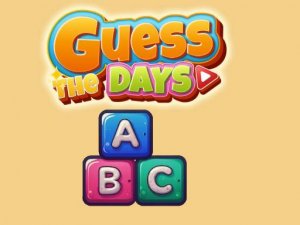
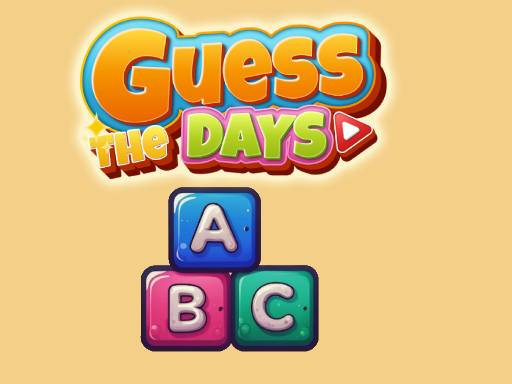
Guess The Days is a colorful and educational quiz game designed to help children learn the days of the week. The game presents a series of multiple-choice questions that ask about the order and names of the days, such as which day comes after Wednesday or what day is the weekend. Bright graphics and friendly icons make each question visually appealing and easy to understand. This game turns a basic learning concept into an interactive adventure, helping kids build confidence and knowledge in a safe digital environment. Parents can trust that their children are engaging with content that is both fun and educational.
How to Play
Playing Guess The Days is straightforward. Children see a question about the days of the week on the screen, along with several answer choices. Each answer is shown with a colorful icon. To play, kids simply tap or click on the answer they believe is correct. If they choose the right answer, the game celebrates with positive feedback and moves to the next question. If they choose incorrectly, the game encourages them to try again without any negative tone. This simple loop helps children learn through repetition and positive reinforcement.
Game Features
The game includes bright and cheerful visuals that keep children engaged. Controls are easy to use with just a tap or click. The quiz format uses multiple-choice questions with clear icons. Positive feedback is given for correct answers, and gentle encouragement is offered for retries. The game is safe for all ages, with no ads or inappropriate content.
Tips for Success
Guess The Days offers a calm and supportive way for children to learn the days of the week. The game rewards effort and progress, making it a positive experience for young learners.