What players say
Girl-Styledol 3D Avatar Maker provides a smooth and enjoyable design experience. The variety of clothing and accessories is impressive, and the pose options add life to each creation. The game is simple enough for younger players but offers enough depth for older users who enjoy fashion. Saving multiple avatars encourages replayability, and the family-friendly design makes it a safe choice. It is a charming tool for creative expression and a great way to spend a few minutes designing something unique.
About this game
Game Introduction
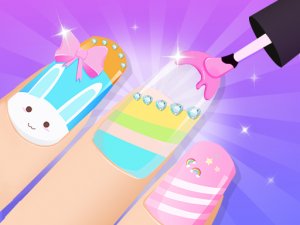
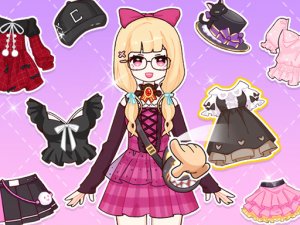
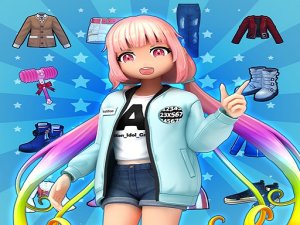
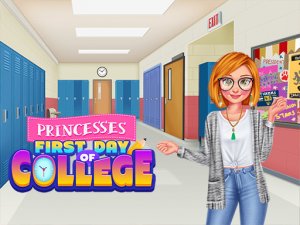
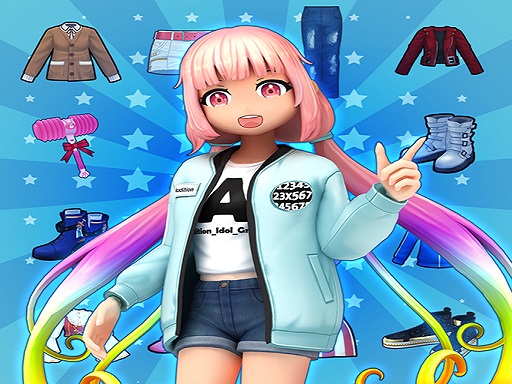
Girl-Styledol 3D Avatar Maker is a delightful online game that puts you in charge of your own fashion studio. You can create and customize 3D avatars, from trendy characters to cute anime-inspired dolls. The game offers a wide range of hairstyles, clothing, accessories, and backgrounds. Once your avatar is ready, you can place them on a virtual runway and explore different poses. This game encourages creativity and self-expression in a safe, family-friendly environment. It is perfect for players who enjoy fashion, design, and role-playing. Whether you want to make a profile picture, a college student version of yourself, or a wedding dress doll, the possibilities are endless. The game is easy to navigate with simple taps and clicks, making it accessible for all ages.
How to Play
Start by selecting a base style for your avatar. Then, explore the customization menu to choose hairstyles, outfits, shoes, and accessories. You can mix and match items to create a look that is uniquely yours. After dressing your doll, go to the fashion show stage. There, you can select from various poses to see your avatar in action. You can adjust the pose, change the background, and even save multiple characters with different looks. The game uses simple controls, so you can tap or click to make changes quickly. Experiment with endless combinations and have fun expressing your style.
Game Features
Creative avatar design tools let you customize every detail. A large wardrobe includes diverse outfits, hairstyles, and accessories. Fun pose options allow your doll to strike different looks on a virtual runway. The game is safe and family-friendly with no inappropriate content. You can save multiple characters and revisit them anytime.
Tips for Success
To get the most out of your fashion studio, try experimenting with different combinations of clothing and accessories to discover unique styles. Pay attention to color coordination and themes to create cohesive looks. Use the pose options to see how your avatar looks from different angles, and adjust the background to match the mood. Saving multiple versions of your avatar lets you compare designs and refine your creativity over time.