What players say
Nail Art Salon Design Studio offers a delightful, pressure-free creative experience for young children. The bright graphics and simple touch controls make it easy for kids to experiment with colors and decorations. The absence of ads and in-app purchases ensures a safe environment. The undo feature is a thoughtful addition that reduces frustration. Overall, it is an excellent tool for sparking creativity in young fashion enthusiasts.
About this game
Game Introduction
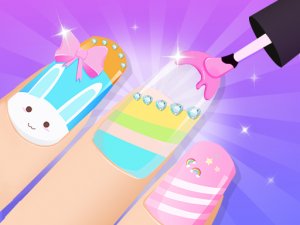
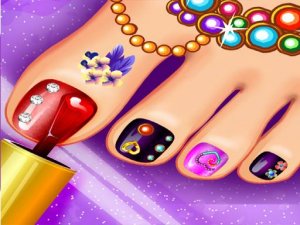
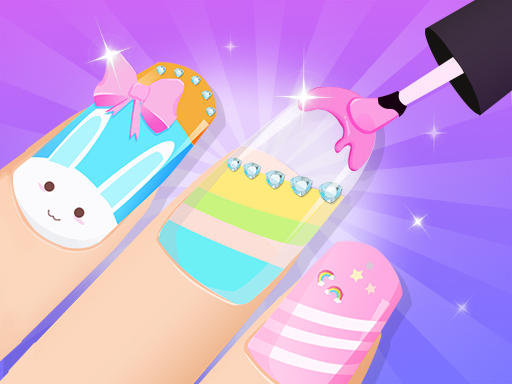
Nail Art Salon Design Studio is a creative and colorful nail art experience designed for young fashion enthusiasts. Step into a virtual salon where you can explore a variety of nail colors, patterns, stickers, and accessories. The game features bright and cheerful graphics, smooth animations, and engaging sound effects that make every design session enjoyable. Whether you prefer simple elegance or bold and playful styles, this game lets you express your unique fashion sense. It is a safe and positive space for kids to experiment with colors and designs, sparking creativity and imagination.
How to Play
Start by choosing a hand and selecting a base color for the nails. Use the polish brush to apply your chosen shade, then add fun decorations like glitter, stickers, or patterns. You can mix and match different elements to create your perfect look. The controls are simple and intuitive, perfect for young players. Once you finish, save your design or start over to try a new style. There are no time limits or scores, so you can play at your own pace and enjoy the process of creating beautiful nail art.
Game Features
Creative nail art tools let you paint, decorate, and customize each nail. Vibrant colors and a wide selection of stickers and patterns keep every session fresh. The game is designed for kids, with safe content and no external links. Simple touch controls make it easy for young children to play independently.
Tips for Success
Experiment with different color combinations to discover your favorite styles. Try layering stickers and patterns for a more detailed look. Take your time and enjoy the creative process without rushing. If you make a mistake, you can always start over to try a new design. Practice helps you become more skilled at applying polish and decorations neatly.